Getting Organized to Manage Your Time
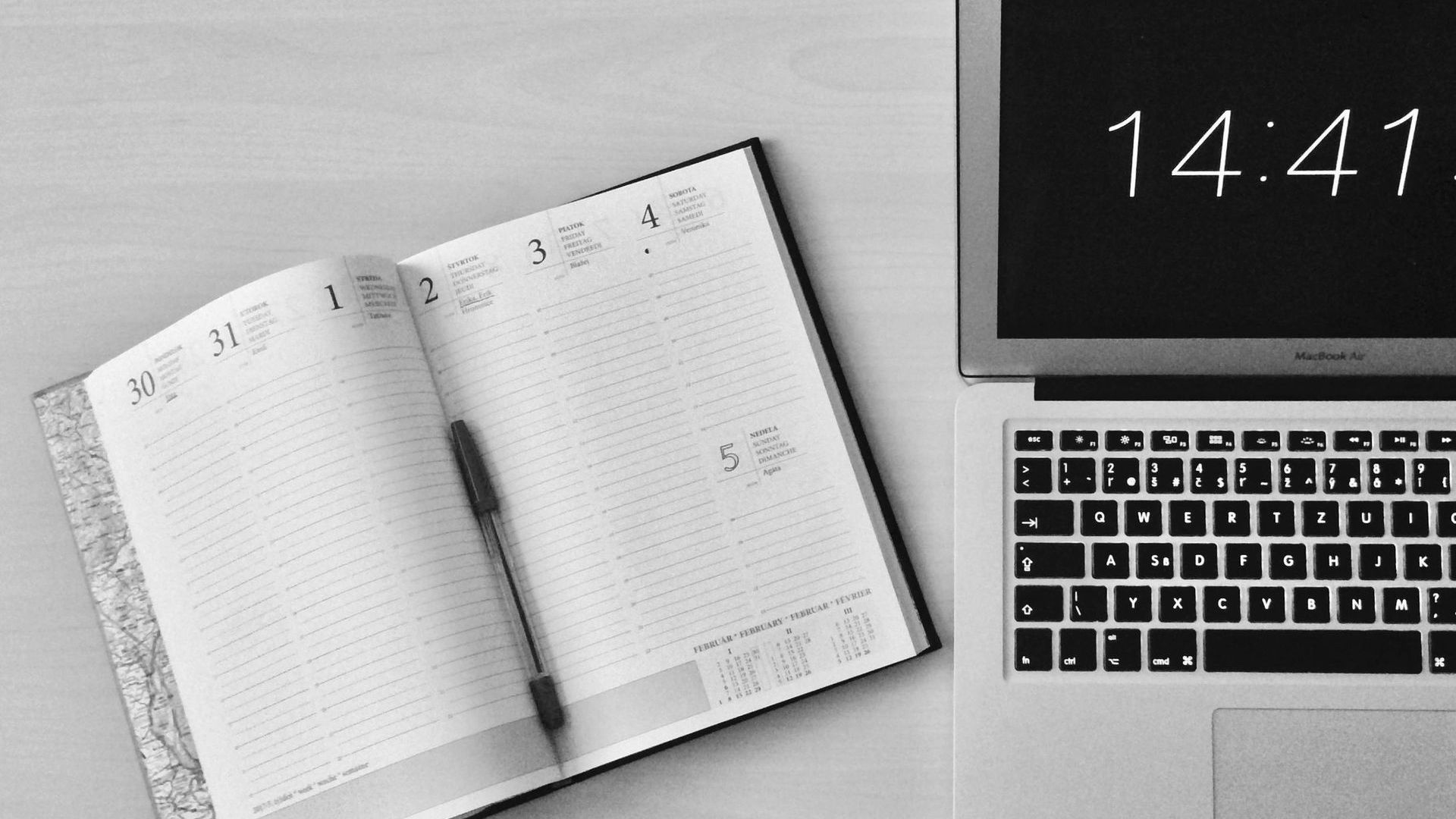
The transition to college-level time management is one of the biggest challenges for freshmen. Creating your organization system before arriving on campus gives you one less thing to figure out during those hectic first weeks. Whether you prefer digital tools, paper planners, or a combination of both, what matters most is finding a system you'll actually use consistently.
Do I REALLY Need to Do Anything Different Than High School?
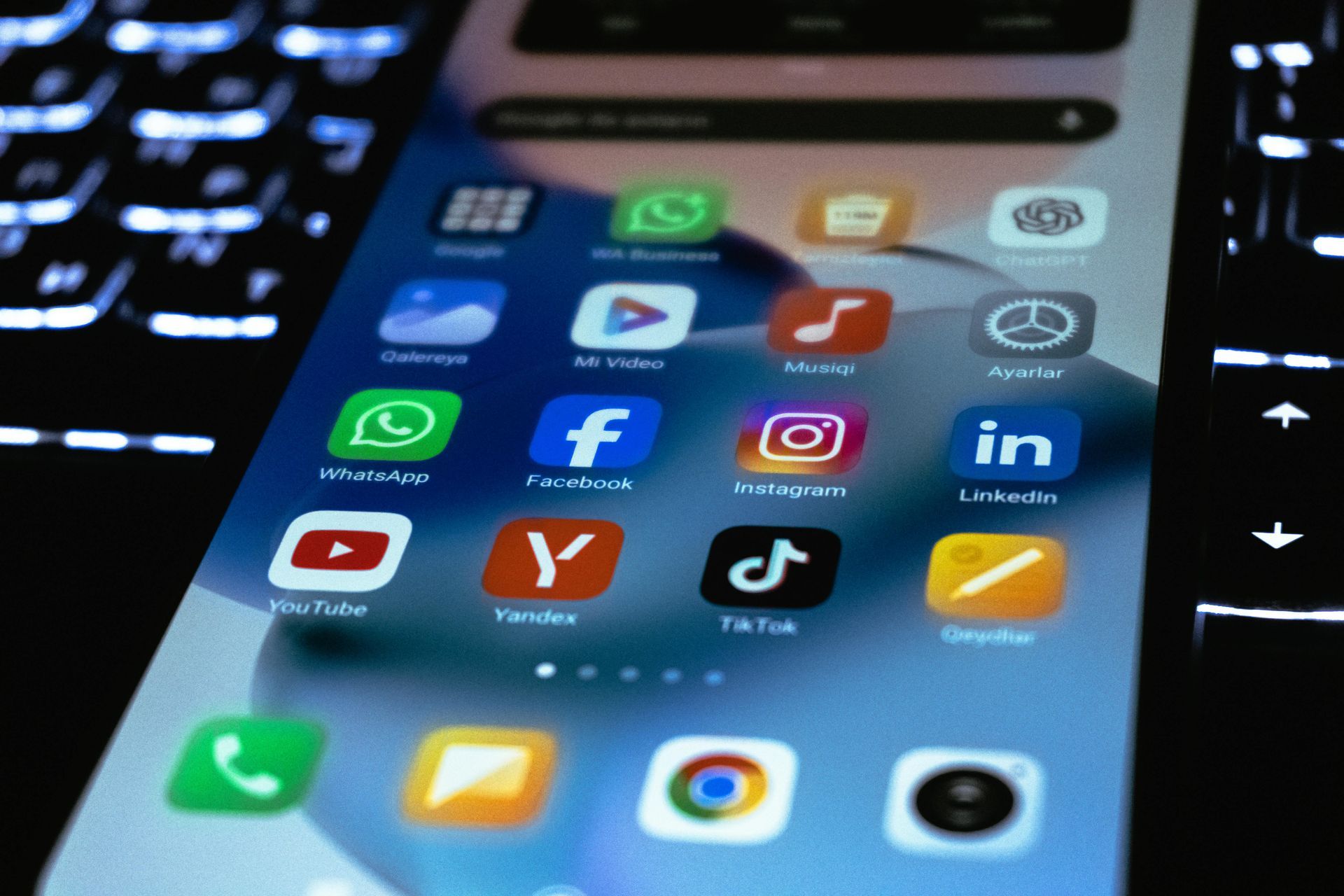
If you’ve always been someone who “has it all up in my head” or consistently asks your mom or dad “do we have anything on Thursday night?” NOW is the time to consider getting organized with some tools. Two main organizational tools will become a huge help as you hit the college campus - calendaring tools and task lists! Whether you choose to organize all on your phone, or you augment with a paper planner, that is up to you! But it is important that you DO SOMETHING!
Digital Planner Options
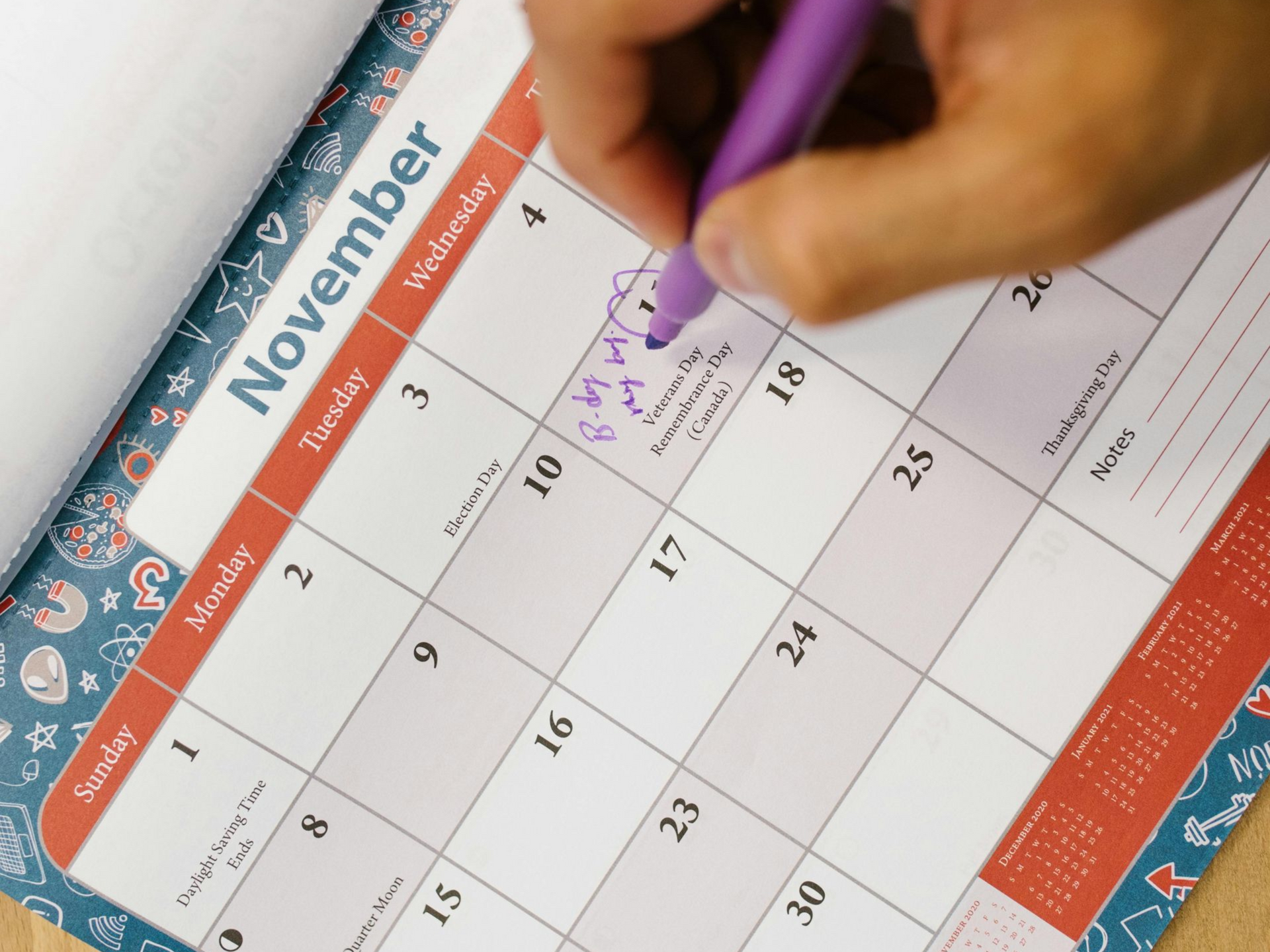
The great strength of putting all of your assignments on a calendar is that it will help you look ahead to see when things are due, to know when you have hard days and easy ones, and to determine whether you can really afford to wait until the night before a test to start studying! It’s too easy to play intramurals, go out with your friends, watch a movie, … all week if you aren’t looking at a calendar and seeing that you have 3 tests on Friday!
Recommended Digital Calendar Platforms:
- Google Calendar (excellent sharing capabilities)
- Apple Calendar (seamless across Apple devices)
- Microsoft Outlook Calendar (integrates with many college email systems)
- Specialized student planners like MyStudyLife
Tips for Effective Calendar Setup:
- Color-code for classes, activities, study time, and personal commitments
- Set up recurring events for regular commitments
- Include location information for quick campus navigation
- Add alerts for assignment deadlines and exam dates
Recommended Digital Task Tracking Platforms:
Task tracking tools let you set small milestones to make sure you are accomplishing your goals along the way. Rather than just saying “Study for Calculus Final” you can split it up into “study chapter 1”, “study chapter 2”, etc. to ensure that you are making steady progress.
- Reminders on your iPhone (included on iPhone)
- Microsoft To Do for integration with Office (included with Office)
- Todoist for simple, cross-platform task management
- Notion for integrated notes and tasks
- Trello for visual organization of projects
Paper Planners
- Academic planners with semester views
- Bullet journals for customizable organization
- Weekly planners for detailed scheduling
Choosing What's Right For You
Many students use a combination of both digital and paper tools to stay organized. The important thing is that you clearly understand what you are tracking where, so that you consistently track what's important in a single place. Here are a few guidelines.
- Digital tracking allows for easier changes and automated reminders
- Paper tracking provides a tactile experience, proven to help with memory, and doesn't require charging
- Consider using digital for long-term calendar planning and paper for weekly and daily focused task lists
More Articles